AIAZH
AIAZHWhy Edit Images Online Instead of Using Desktop Software
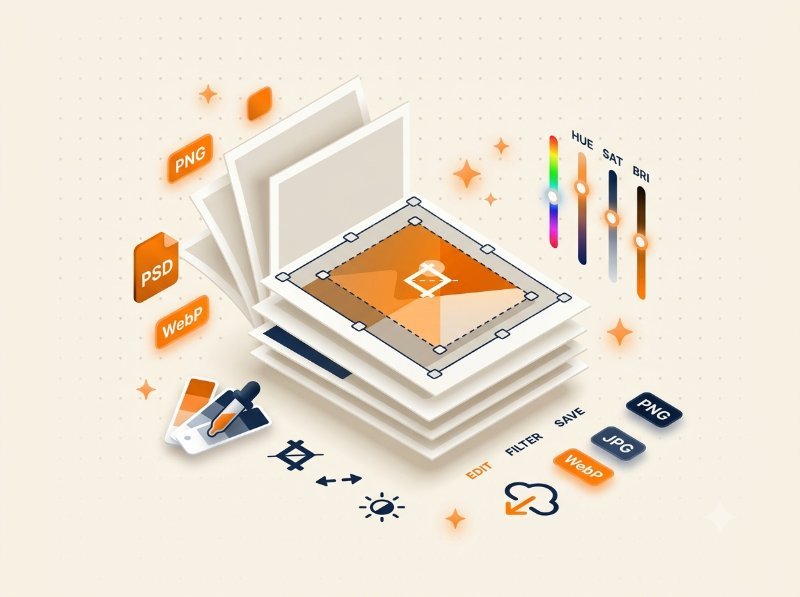
Professional photo editing software like Photoshop and Lightroom is powerful but overkill for most everyday tasks. Adjusting brightness, applying a filter, or sharpening an image should take seconds, not require launching a heavy application. Browser-based image editing has matured significantly — modern tools use the Canvas API to process images locally on your device with professional-quality results. No installation, no subscription fees, no learning curve. Whether you need to brighten a dark product photo, convert a portrait to black and white, or apply a blur effect for privacy, our Image Filters tool handles it all in your browser with complete privacy.
Adjust Brightness, Contrast, and Saturation
Three of the most impactful adjustments you can make to any image are brightness, contrast, and saturation. Brightness controls the overall lightness or darkness — useful for fixing underexposed photos taken in low light. Contrast increases the difference between light and dark areas, making images pop and appear sharper. Saturation controls color intensity — boosting it makes colors vivid and vibrant, while reducing it creates a muted, desaturated look. Our dedicated Brightness, Contrast, and Saturation tools give you precise slider control for each adjustment independently. Use them together to rescue poorly lit photos, create consistent aesthetics for social media feeds, or prepare images for print where color accuracy matters.
Apply Filters and Effects for Creative Looks
Filters transform the mood and style of an image with a single click. Convert any photo to grayscale for a classic black-and-white look that emphasizes texture and composition over color. Our Grayscale tool preserves image quality while removing all color data — different from simply desaturating, which can leave images looking flat. Apply gaussian blur to create depth-of-field effects, blur sensitive information like license plates or faces, or create soft background overlays for text. Use the Image Studio tool to combine multiple effects — apply a vignette, adjust warmth, add sharpness, and more in a single editing session. Each effect is adjustable, so you control the intensity.
Rounded Corners and Image Shapes
Rounded corners have become a standard design element in modern web and app interfaces. Profile pictures, product cards, thumbnail grids, and social media graphics all look more polished with consistent corner radius. Our Rounded Corners tool lets you apply uniform or per-corner rounding to any image. Choose from preset radius values or enter a custom pixel value. The tool processes your image at full resolution — unlike CSS border-radius which only masks corners visually, this actually outputs a new image file with rounded transparent corners, making it suitable for download and reuse anywhere. Perfect for creating consistent card layouts, YouTube thumbnail overlays, and profile picture templates.
Rotate, Flip, and Straighten Images
Sometimes a photo is perfect except it is rotated 90 degrees or flipped horizontally. Our Image Rotator handles any rotation angle from -180° to +180° with precise degree control, plus quick 90° presets for common corrections. The Image Flipper mirrors images horizontally or vertically with one click — useful for correcting selfie camera flips, creating symmetrical compositions, or reversing text direction for matching layouts. When you rotate a rectangular image, empty corner areas are created — the tool fills these with a configurable background color of your choice, so the result integrates seamlessly into your design.
Browse All Image Editing Tools in One Place
Instead of jumping between different websites for each edit, our complete image editing suite gives you every tool in one place. The Image Studio combines brightness, contrast, saturation, blur, grayscale, and other adjustments in a single interface with live preview. For individual adjustments, dedicated tools give you focused control without distractions. All tools share the same privacy-first approach: your images stay on your device, processed locally in your browser, with zero server uploads. Browse the full collection of Image Tools and find the right editor for your specific task.