AIAZH
AIAZHFormat Conversion
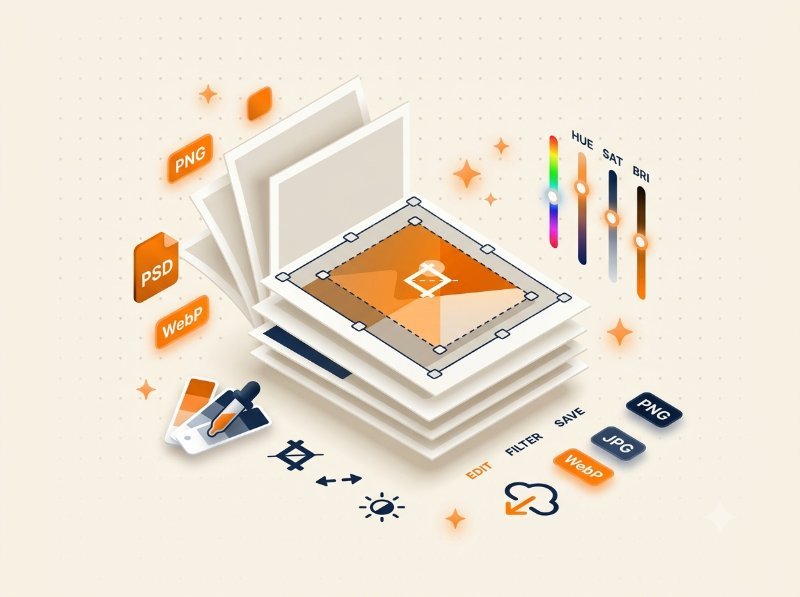
Need to convert a JPG to PNG or a PNG to WebP? Browser-based converters handle this instantly. The key difference between formats is compression: JPG uses lossy compression (smaller files, slight quality loss), PNG supports transparency (larger files), and WebP offers the best of both worlds (modern compression, transparency support). Use our JPG to PNG, PNG to JPG, PNG to WebP, and WebP to PNG converters for instant format changes.
Resizing and Compression
Large images slow down websites and eat up storage. Our Image Resizer lets you scale dimensions precisely — perfect for social media banners, thumbnails, and email attachments. The Image Compressor reduces file size by 50-80% while maintaining visual quality, using adjustable quality sliders. Both tools convert between JPEG, PNG, and WebP during processing.
Cropping and Rotation
The Image Cropper supports free-form cropping and preset aspect ratios (1:1, 16:9, 4:3, 3:2). Drag to select the exact area you want to keep. The Image Rotator handles any angle from -180 to +180, with quick 90 degree presets and a background color picker for the empty areas. The Image Flipper mirrors images horizontally or vertically with one click.
Filters and Effects
Adjust brightness, contrast, and saturation with simple sliders. Apply gaussian blur for privacy protection or artistic effect. Convert to grayscale for a classic black-and-white look. Add rounded corners for profile pictures and card layouts. The Image Filters tool combines all these adjustments in one editor.
Watermarking and Text Overlay
Protect your images with the Watermark Editor — add text or logo watermarks with full control over font, size, color, opacity, rotation, and position. Use the Add Text tool for captions and labels, or the Add Logo tool for branding.
Advanced Editors
Create thumbnails with the Thumbnail Maker using preset sizes for YouTube, Instagram, and more. The Social Media Resizer provides platform-specific dimensions for every major social network.
Why Browser-Based Image Tools?
Every tool on AIAZH Tools processes images locally in your browser using the Canvas API and Fabric.js. Your files are never uploaded to any server. This means faster processing (no upload/download wait times), complete privacy (your images stay on your device), and no file size limits. The tradeoff is that very large images (50MP+) may be limited by your browser's memory — but for 99% of use cases, browser-based tools are faster and safer than server-based alternatives.